
Start here — what you’re trying to solve
Look, if you’re buying a stack of all‑in‑one rigs for an office, classroom, or shop, you want simplicity, space savings, and few headaches — not just pretty screens. Think about the people using them: teachers, receptionists, sales reps. That changes everything. If you’re shopping bulk deals, I always point folks toward solid listings like all in one computer deals, then test against the real needs on the floor.

Why teams pick AIOs — the user angle
AIOs cut cable mess and simplify setup. They’re easy to manage, take up less desk real estate, and usually mean fewer points of failure than a separate tower plus monitor. For non‑IT users, fewer visible cables equals fewer support tickets. For managers, that equals less downtime and fewer replacement parts to track.
Top features you should insist on
Don’t get dazzled by a pretty bezel. Prioritize: reliable CPU (modern Intel Core i5/Ryzen 5 or better for business use), at least 8–16GB RAM, SSD storage for snappy boot times, and a screen you can actually read in the lighting you got. Check ports — at least one USB‑C and multiple USB‑A, HDMI out if you plan to add an external display. Built‑in camera and mic are fine, but confirm privacy shutters and decent mics; cheap ones make conference calls useless.
Who uses them well — practical deployments
Reception desks, point‑of‑sale stations, classrooms, and remote‑worker home setups get the most value. If you need heavy 3D design, specialized CAD, or high‑end video editing, a modular workstation’s better. For standard productivity, web apps, or virtual meeting rooms, AIOs keep things simple and tidy.
Market signals you can trust
Big shows give signals you can trust — manufacturers showed renewed AIO pushes at CES 2024 in Las Vegas, and enterprise buyers quoted better space efficiency and lower setup times in post‑show coverage. That kind of event highlights real product trends, and you can cross‑check deals with trade show announcements and vendor specs. If you’re hunting bulk pricing, also compare options tagged as all in one desktop deals against spec sheets and warranty terms before you sign off.
Common mistakes that cost you later
Buying the flashiest screen and ignoring thermal design is a classic. Cheap AIOs throttle under load, shortening lifespan. Skimping on warranty and on‑site support for a large deployment is another costly move — repairs that require shipping multiple units kill productivity. Also, forget the peripherals: keyboards and mice need to be comfortable for the user base, not just cheap extras.
Viable alternatives — when to skip AIOs
Choose mini‑PCs plus monitors if you want modular upgrades and longer lifecycle flexibility. Pick thin clients if you’re locked into virtual desktop infrastructure. Opt for small towers if you need GPU horsepower. Each alternative trades simplicity for upgradeability; pick based on whether your priority is fewer helpdesk calls or longer stretch between refreshes.
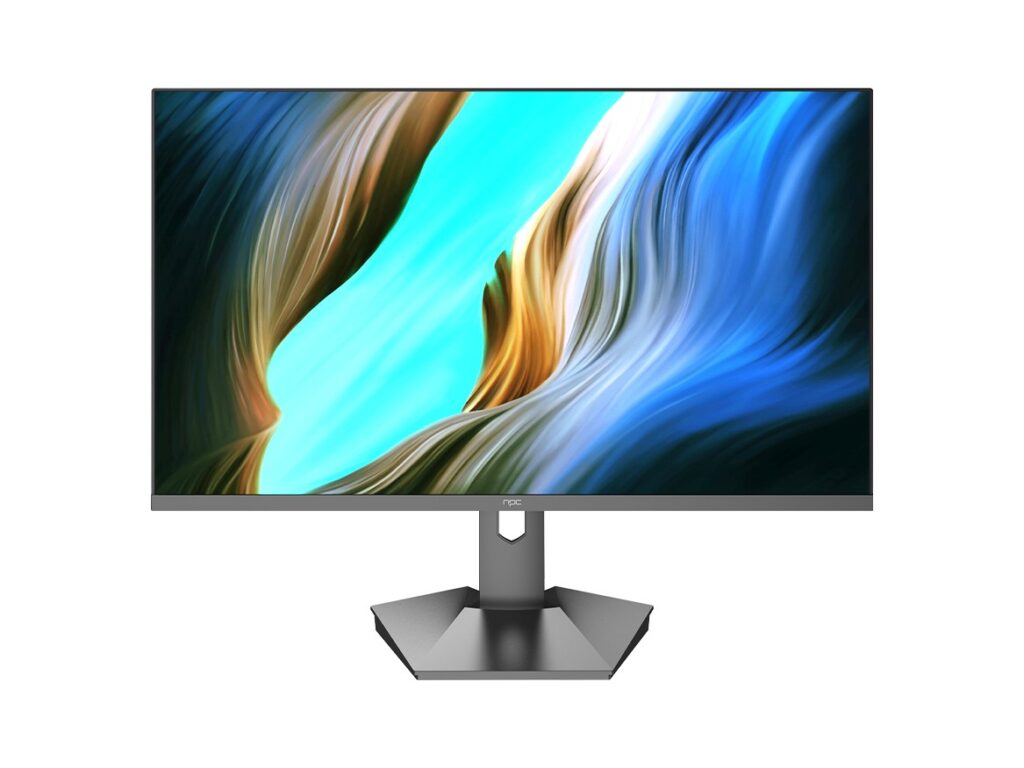
Checklist for buying wholesale
Match these boxes before you buy: real usage profile, minimum CPU/RAM/SSD baseline, display size/readability, port mix, warranty terms, and field‑service options. Run a pilot batch — 5–10 units in real use for two weeks — and track support requests. If tickets spike, adjust specs or support levels before rolling out the rest.
Bottom line — what you get with the right partner
If your decision centers on user needs and field verification, you’ll avoid the usual pitfalls and keep the team working. I’ve set up multiple small networks and trained staff on deployments, so I watch real problems, not marketing angles. When buyers match specs to daily workflows and confirm warranty/service terms, they end up with reliable systems that don’t hog time. That’s the value npc brings to bulk procurement: practical choices that fit how people actually work, not some flashy spec sheet.