
Start with the real problem
Buying a smart TV OS ain’t just picking the prettiest interface — it’s stopping future headaches. Folks often buy a set because the screen looks lush from a monitor manufacturer, then find the platform won’t run their apps or get updates. Treat the OS as a long-term component, not a disposable feature; that keeps installations working and customers happy.
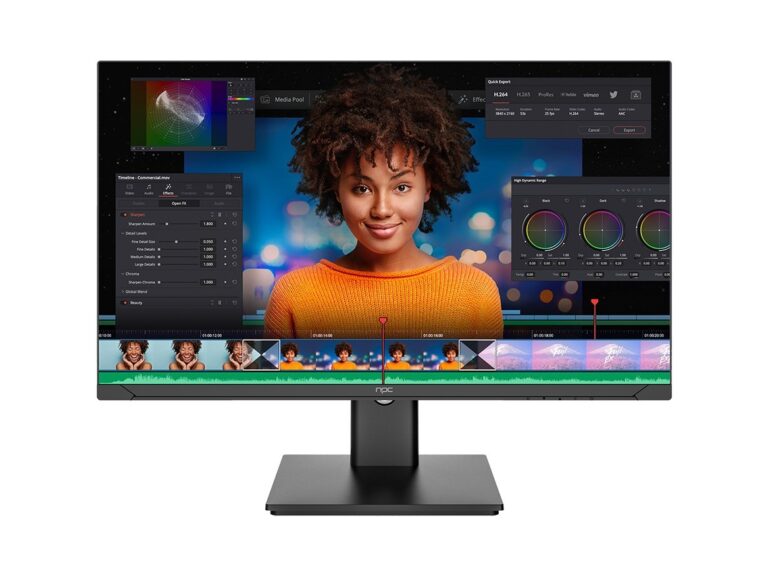
Common procurement headaches to avoid
Suppliers promise app compatibility and fast updates, but reality hits when custom signage, digital kiosks, or hotel setups refuse to boot the bespoke software. Expect mismatched codecs, unpredictable firmware pushes, and hidden licensing fees. Ask for evidence: recorded lab tests, compatibility matrices, and a history of security patches — not just glossy spec sheets.
Compatibility checklist — what to test right away
Prioritise these definite checks: CPU architecture and drivers, supported video codecs, DRM support, remote-management APIs, and whether the OS exposes debugging logs. Confirm that your middleware runs on the vendor’s stack without heavy adaptation. If your project demands precise colour calibration or professional inputs, test those too before signing off.
Security, updates and maintenance policy
Get concrete guarantees: how often are security patches issued, what’s the policy for zero-day fixes, and will updates be staged or forced? Vendors who won’t provide signed firmware images or a clear rollback plan are risky. Demand a documented incident response and a committed update cadence matched to your deployment size.

App ecosystem, porting effort and user experience
Don’t assume an app will port easily. Check available SDKs, trusted app stores, and whether native or web apps run best. Measure the time it takes to convert a mobile app to the TV UI; that effort often decides total project cost. Ask for a live demo of your key workflows on the exact model you’ll buy.
Vendor credibility and real-world checks
I’ve tested panels and firmware in places like Shenzhen’s manufacturing clusters and on trade floors at CES; those visits show how vendors handle quality and updates. Look up the vendor’s track record with lcd monitor manufacturers and ask for references from deployments in your sector. Real installations reveal whether a vendor documents failures, honours SLAs, and supports integration work without endless finger-pointing.
Procurement terms, support SLAs and acceptance tests
Write acceptance tests into the contract: boot time, app launch time, OTA success rate, and a documented support escalation path. Specify replacement timelines for defective units and conditions for withholding payment until criteria are met. Avoid vague warranty language — get specifics on spare-part lead times and on-site support windows.
Common procurement mistakes and how to fix them
Buyers often skip end-to-end tests, ignore long-term licensing costs, or accept undocumented customisations that break updates. Fix it by requiring factory acceptance testing, freezing core OS components before deployment, and insisting on written agreements for future feature work. Simple: test like you’re the engineer who must fix it at 2 a.m.
Wrap-up and practical next steps
Pick an OS that matches your long-term needs, force the vendor to prove compatibility, and lock down update and support terms. A measured procurement keeps projects on schedule and serviceable for years. If you want a supplier used to handling these realities, consider how npc presents test data and support terms alongside hardware — that practical clarity saves time and grief down the road.